POP717 App · Android & iPhone
POP717 App Download – Best Free APK for Android & iPhone
POP717 shows its own install popup, “Discover a new version”, with four Android steps. Here they are, plus the iPhone route.
- Official install popup
- Same account
- Free
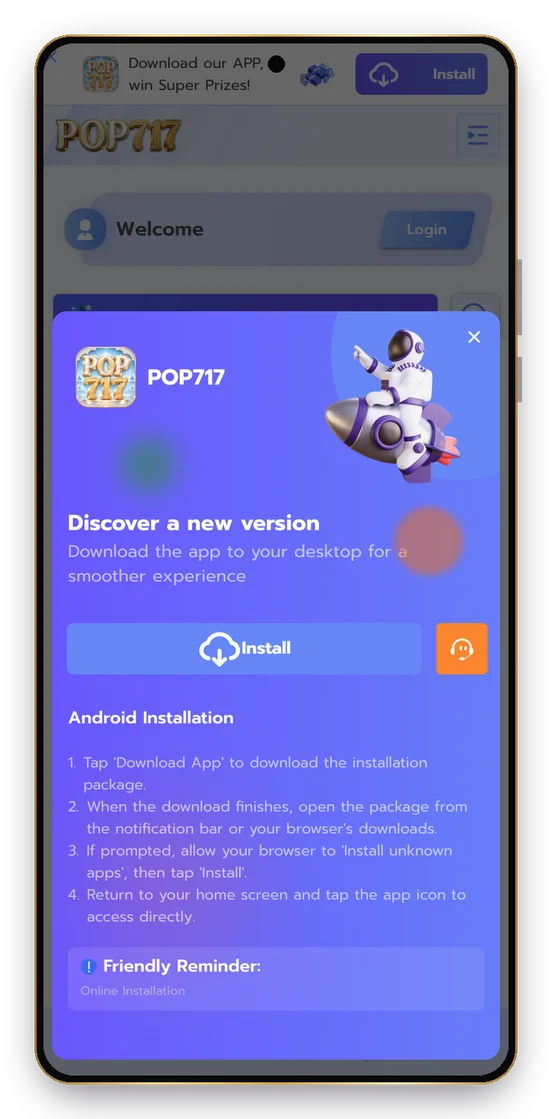
Table of Contents
ToggleHow to Install the POP717 App on Android?
Tap Install
Open the download
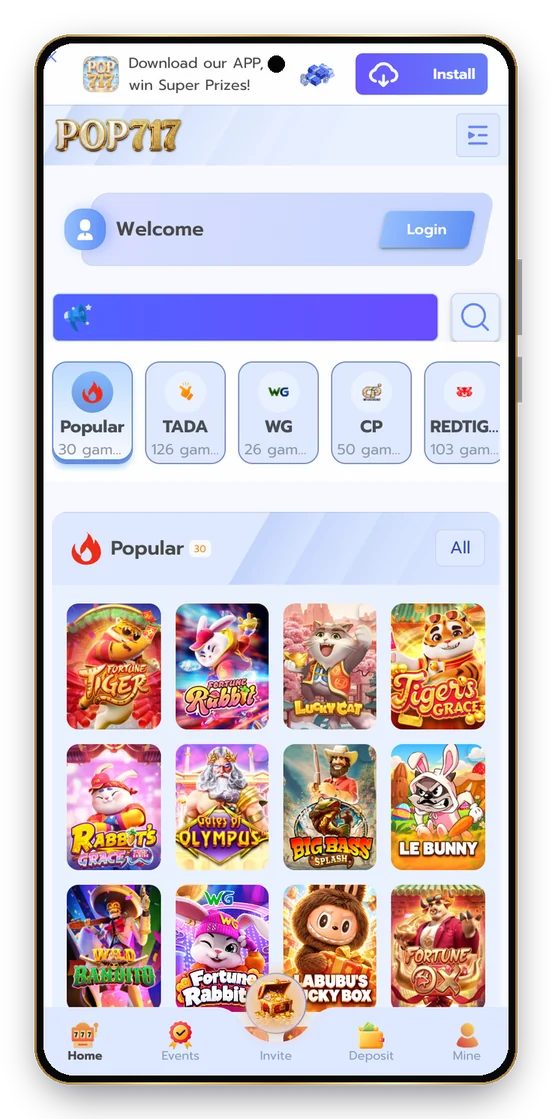
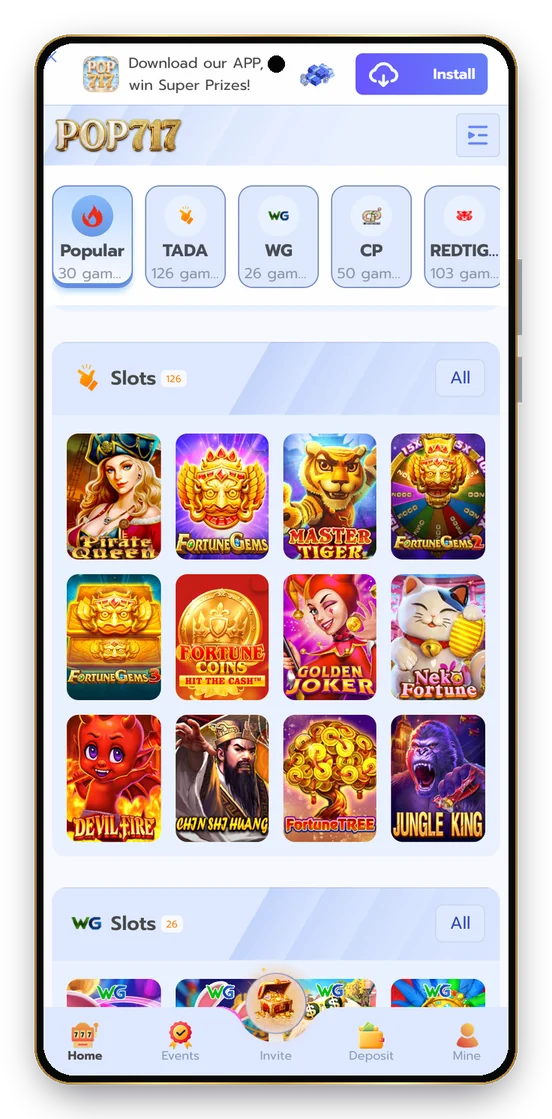
Allow and install
How to Add POP717 on iPhone?
- Open the official POP717 site in Safari.
- Tap Share.
- Choose Add to Home Screen.
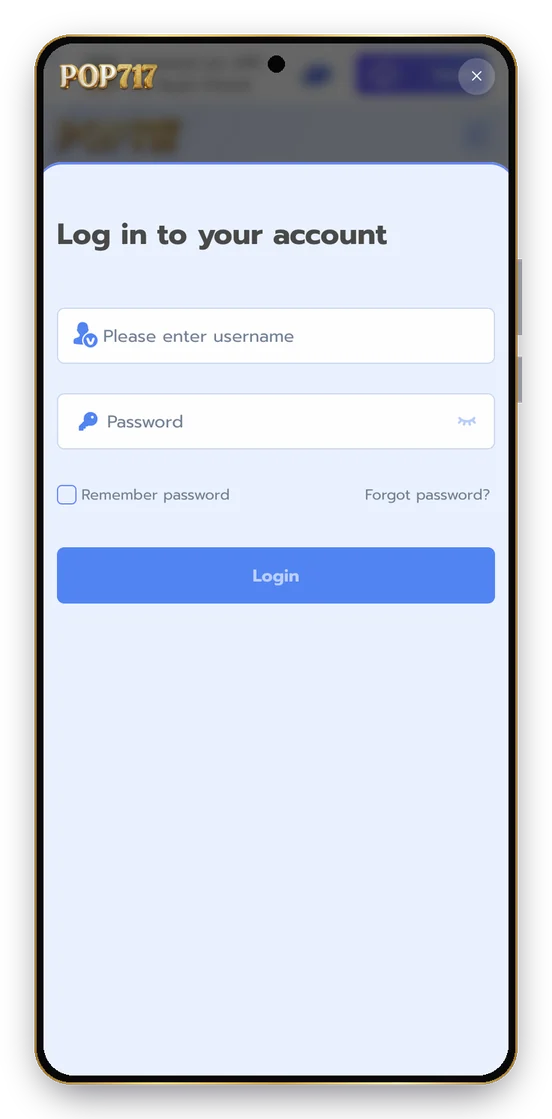
- Open the icon and log in.
POP717 App vs Browser
POP717 app
Browser
Account
Same
Same
Opens from
Home screen
A tab
Stays logged in
Yes
If Remember password is ticked
POP717 ऐप (हिंदी)
ऐप के अपने पॉपअप में Install दबाएँ, डाउनलोड खोलें, अनुमति दें और इंस्टॉल करें। iPhone पर Safari → Share → Add to Home Screen।
Why Use the Official POP717 App Popup?
The POP717 install popup comes from the site itself, so the package matches your account and updates with the platform. Random Pop 717 APK files shared in groups can carry malware and add nothing: every reward comes from your account, not from a special file.
POP717 App Storage and Data
The app is light. Game tiles load as you scroll, so it runs on normal 4G. Live tables and Aviator use the most data because they update every second; slots and the lobby are light.
Activity
Data use
Browsing the lobby
Low
Slots
Low to medium
Live tables
Higher
Aviator
Medium
Keeping the POP717 App Fast
- Close other heavy apps before live play.
- Switch Wi-Fi ↔ mobile data if the screen stutters.
- If the app asks to update, use the official popup again.
- Clear the browser cache once a month if images stop loading.
If You Installed an Unknown APK
Step
Why
Uninstall it
Stop it reading anything else
Change your POP717 password
In case it captured it
Change reused passwords
UPI, email
Reinstall from the official popup
The genuine POP717 app
Android Permission: Install Unknown Apps
Android asks for this once when you install from a browser. Allow it for the browser you’re using, install POP717, then turn the permission back off in Settings. That keeps your phone protected from other downloads.
Keep reading
More POP717 Guides
POP717 Login
Username and password sign-in, plus every login fix.
POP717 Register
Create your Pop 717 account step by step.
POP717 Game
24 providers, 2,785 games: slots, live, crash, fishing.
POP717 Slots
PP, PG, JILI and the best slot studios explained.
POP717 Bonus
Signup bonus, gift codes, VIP and events.
POP717 Invite Code
Invite Center, commission and agent tiers.
POP717
Ready for Your POP717 Login?
Create your Pop 717 account in about a minute and open 2,785 games from 24 providers.
18+ only. Real-money games carry financial risk. Play for fun, set limits and never chase losses. Free 24×7 support: Tele-MANAS 14416.